Old WP Plugins on PHP 8: Barewords, 0 == 'o', and More

PHP 8 does more than remove old functions. It changes the meaning of code that still runs. The result is page elements I had never seen before, without a single error. I collected the actual behavior changes, then patched the code in place and compared it against a reference copy on every pass.
1-minute summary
- Symptom / problem
- Old WordPress plugins on PHP 8 break loudly or silently because the meaning of old code changed.
- Who should read
- Site admins stuck with old plugins or themes that have no newer release.
- Fix in short
- Fix in place by type, barewords, 0 == 'o', PHP4 constructors, each, create_function and empty strings in math, then compare every page against a reference copy.
A WordPress site more than ten years old needed to move off PHP 7.4. I had already updated core to the current release (I covered that in updating core before moving to 8.4). I kept the theme on its existing major version because the new major version discarded the logo, colors, and layout (those values were stored in options managed by the theme's options library). I updated plugins where a better release was available. For plugins whose newer releases were worse or caused a fatal error on activation, I kept the existing versions and patched the code in place. This article covers the places where I found PHP 8 actually changed the meaning of the code, including cases where the page was wrong without any errors.
I tested everything in the behavior table on PHP 8.4 on my own machine, rather than relying only on documentation. I have left out the site name, plugin names, and names of the people involved.
Patching a plugin in place means taking responsibility for code nobody else maintains. If a usable newer release exists, always use it first. Automatic updates must be disabled for patched plugins because an update will overwrite the changes. I left notes in every folder recording what I changed.
There were two reasons I did not simply update everything to the latest release. First, the theme's new major version did not read the old layout settings, so the logo, colors, and layout all disappeared. Second, newer releases of some plugins discarded the old layout settings or caused a fatal error during activation. I know because I always tested them one at a time on a copy first; I was not guessing. Keeping the existing versions and patching the code in place was therefore the lowest-risk option for this site, even if it was not the cleanest.
My decision table: which behavior actually changed
Before starting, I wrote this table and kept it beside my monitor. It answers one question: "Does this line of code do the same thing in PHP 7 and PHP 8?" If it does not, it needs fixing. If it does, I leave it alone.
The most dangerous rows for me are 0 == 'o' and 'abc' == 0 because they do not crash the page. The code still runs, but the program takes a different path. It is easy to try this yourself.
php -r 'var_dump(0 == "o", "abc" == 0, "" == 0, null == "o");'
# PHP 7.x  -> bool(true)  bool(true)  bool(true)  bool(true)
# PHP 8.4  -> bool(false) bool(false) bool(false) bool(false)

php -r 'try { var_dump("" * 1); } catch (Throwable $e) { echo get_class($e), ": ", $e->getMessage(), "\n"; }'
# PHP 8.4  -> TypeError: Unsupported operand types: string * int

php -r 'echo FOO;'
# PHP 8.4  -> Error: Undefined constant "FOO"
Change 1: barewords go from notice to fatal
An unquoted constant, such as array('x' => o), produces only a notice in PHP 7, which then uses the name as the string 'o'. In PHP 8, echo FOO; immediately produces Error: Undefined constant "FOO". The entire page that calls this line fails. The fix is straightforward: add quotes. An actual example I found in an old plugin was == NA, which needed to become == 'NA'.
This is similar to what I encountered while recovering a site that called mysql_* using a single-file shim, where one page also failed because of == NA.
Change 2: 0 == 'o' goes from true to false
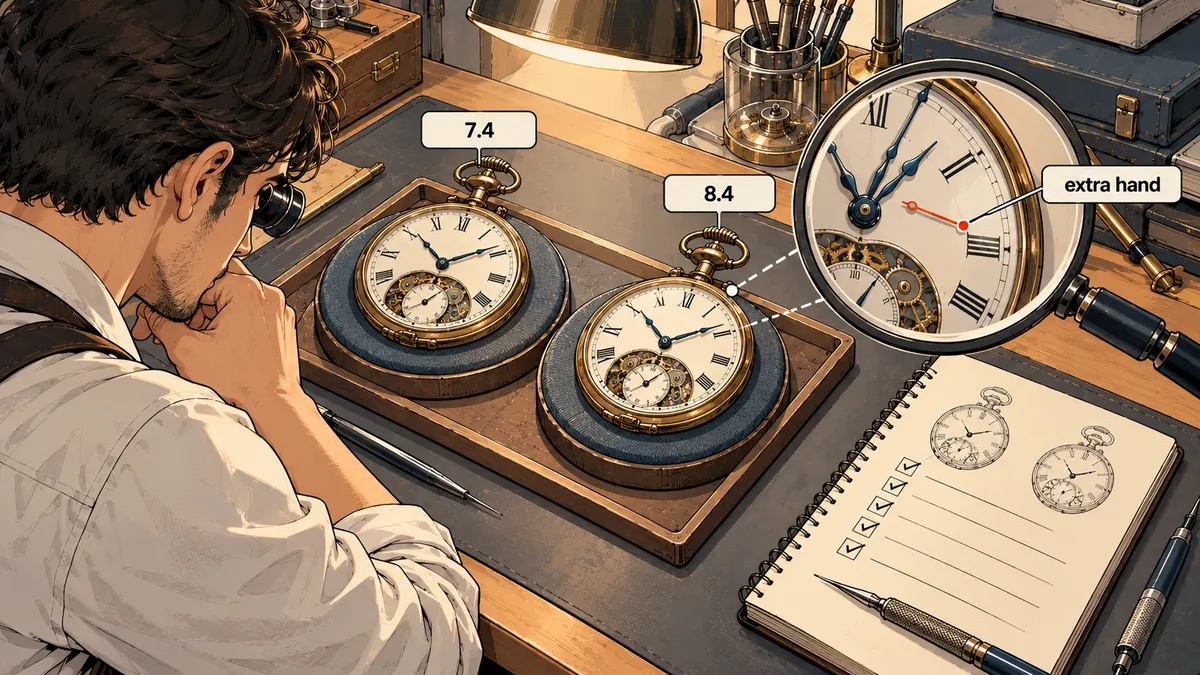
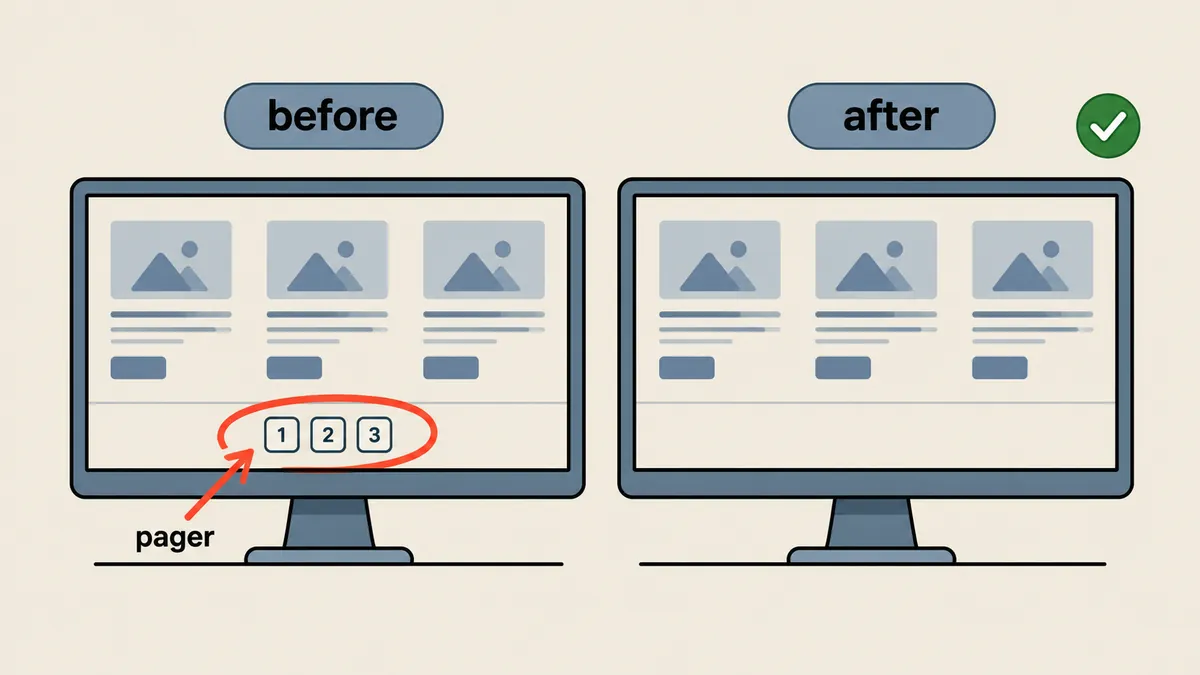
This was the issue that kept me reading code the longest because there were no errors at all. One layout plugin stored its pagination setting (paged) in an option and compared it with the string 'o' to mean "do not show the pager." I did not keep the plugin's original expression, so I am using a made-up example with the same behavior. The left side of the comparison evaluates to the number 0. On PHP 7, 0 == 'o' is true because PHP converts the string 'o' to the number 0 before comparing. On PHP 8, comparing a number with a non-numeric string converts the number to a string, then compares the strings. '0' does not equal 'o', so the result is false. The condition flips, and a pager appears at the bottom of the first page without anyone asking for it.
Note that I am not reproducing the plugin's actual code. I wrote the example below from scratch.
<?php
$paged = 0;     // ค่าตั้ง "แบ่งหน้า" ที่ออกมาเป็นเลข 0 หมายถึงไม่แบ่งหน้า

// แบบเก่า: PHP 7 ได้ true, PHP 8 ได้ false -> pager โผล่ขึ้นมาเอง
if ($paged == 'o') { /* ซ่อน pager */ }

// แบบที่ผมแก้: แปลงชนิดก่อน แล้วเทียบตรง ๆ ให้ความหมายไม่ขึ้นกับรุ่น PHP
if ((int) $paged === 0 || $paged === 'o') { /* ซ่อน pager */ }
The lesson here is not "always use ===." It is that when old code compares strings with numbers using ==, ask what the author intended when writing it, then express that intention explicitly.
Changes 3 through 6: constructors, each, empty strings, curly braces
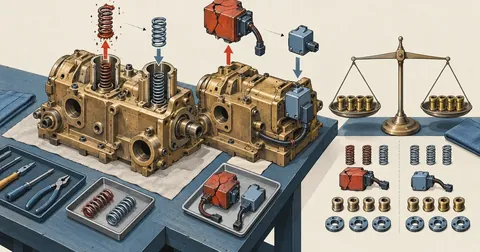
PHP4 constructors A method with the same name as its class used to be a constructor. In PHP 8, it is an ordinary method that nobody calls. I tried class A { function A(){ echo 'ctor'; } } new A; on 8.4, and it printed nothing. The actual impact was that old widgets calling parent::WP_Widget() broke. I had to patch 3 theme widget files and another widget that displayed posts by category.
// เดิม
class Old_Widget extends WP_Widget {
    function Old_Widget() { parent::WP_Widget(false, 'Old'); }
}
// แก้
class Old_Widget extends WP_Widget {
    function __construct() { parent::__construct(false, 'Old'); }
}
each() and create_function() have been removed I checked both with function_exists on 8.4 and got false. In practice, the theme's options library used create_function, causing admin-ajax.php to return 500 and leaving the admin interface unusable until I replaced it with a closure.
Strings in arithmetic '' * 1 and 'abc' * 1 throw TypeError: Unsupported operand types: string * int. I tested this. Meanwhile, '5 apples' + 1 still returns 6 with a warning. One lightbox plugin received all shortcode attributes as strings and multiplied them directly. I had to add (int) before the calculation.
Curly offsets and nested ternaries $s{0} causes a parse error, while a ? b : c ? d : e without parentheses causes a compile error. The actual message is Unparenthesized `a ? b : c ? d : e` is not supported.
Small fixers for each problem type
I did not edit every line by hand because there were too many files and it was easy to make mistakes. I wrote small fixers for each problem type: a bareword fixer, a constructor fixer, a fixer for removed functions, and a curly offset converter that ran php -l repeatedly until the file passed linting. They all followed the same rules: save the original file before editing, change only clearly identifiable patterns, and lint after every edit.
The curly offset converter was the only one I allowed to "try a fix, then ask lint," because patterns such as $s{0} can be mixed into other code in various ways, including inside strings. I therefore had it change only the line that php -l reported as problematic, then repeat until the file passed or there was nothing left to fix.
#!/usr/bin/env python3
# curly-offset fixer (ย่อ): แก้เฉพาะบรรทัดที่ php -l ชี้ แล้ววน lint จนผ่าน
import re, subprocess, sys
PHP = "/usr/local/php84/bin/php"
PAT = re.compile(r"(\$[A-Za-z_]\w*)\{([^{}]+)\}")

def lint(path):
    r = subprocess.run([PHP, "-l", path], capture_output=True, text=True)
    m = re.search(r"on line (\d+)", r.stdout + r.stderr)
    return r.returncode == 0, int(m.group(1)) if m else None

path = sys.argv[1]
for _ in range(50):                       # กันวนไม่รู้จบ
    ok, line = lint(path)
    if ok or line is None:
        break
    src = open(path, encoding="utf-8", errors="surrogateescape").read().split("\n")
    new = PAT.sub(r"\1[\2]", src[line - 1])
    if new == src[line - 1]:
        break                              # แก้ต่อไม่ได้ ให้คนมาดู
    src[line - 1] = new
    open(path, "w", encoding="utf-8", errors="surrogateescape").write("\n".join(src))
print("lint ok" if lint(path)[0] else "ยังไม่ผ่าน ต้องดูด้วยมือ")
#!/bin/bash
# แพตช์ไฟล์เดียวอย่างปลอดภัย: เก็บต้นฉบับ -> แก้ -> lint -> ไม่ผ่านให้คืนต้นฉบับ
F=$1
cp -a "$F" "$F.php7bak"                       # ต้นฉบับ ห้ามหาย
php-fix-barewords "$F"                         # ตัวแก้เฉพาะประเภท (เขียนเอง)
if ! /usr/local/php84/bin/php -l "$F" >/dev/null 2>&1; then
    mv -f "$F.php7bak" "$F"                    # lint ไม่ผ่านคืนทันที
    echo "[REVERT] $F"
fi
If backup files in web folders are not blocked, anyone requesting their URLs directly can read the source code. I added .htaccess rules denying access to *.php7bak in every folder I patched, along with a short note in the folder explaining what changed, without naming the person who made the changes.
# .htaccess ในโฟลเดอร์ที่แพตช์: ห้ามโหลดไฟล์สำรอง
<FilesMatch "\.php7bak$">
    Require all denied
</FilesMatch>
My order for this round was to fix the failures that made noise first (barewords, constructors, removed functions, curly offsets, nested ternaries), because they announce themselves through fatal errors and some can be caught by php -l. Then I compared the full set of pages against the reference copy to find the silent problems, such as the pager and empty-string arithmetic, where the page did not crash but the result was wrong. If I had reversed that order, I would have wasted time comparing pages that still crashed. The differences would have been so overwhelming that I could not have spotted the silent ones.
Compare against a reference copy, not a gut feeling
I was willing to patch in place because I had a reference copy of the original site (the files and database from before the upgrade), running on PHP 7.4 on a private port, accessible only through an ssh tunnel. I then crawled both the patched site on 8.4 and the reference copy using the same page list, compared the visible text byte by byte, and compared screenshots. Wherever I found a difference, I fixed it and repeated the process. Once the site owner signed off, I deleted the copy.
My checks covered 401 random pages, all 115 gallery posts, every shortcode type, admin pages using a temporary admin account (deleted immediately afterward), and all pages edited between 2024 and 2026, totaling 118 pages. The result was not a single broken image.
- Make a reference copy of the original site running on PHP 7.4 on a private port
- Patch in place with fixers for each problem type, keeping a
.php7bakfor every file - Crawl the copy and the new site using the same page list, then compare text and screenshots
- Check every shortcode type and the admin pages with a temporary admin account
- Go live, keeping automatic updates disabled for patched plugins
The remaining long-term maintenance work
After the site passed the checks, two operational issues remained. First, the error log grew by about 4,000 lines every 10 minutes because of deprecation warnings from old code that still worked. I did not fix every line. Instead, I wrote a small mu-plugin to lower the reporting level only on the public-facing side.
<?php
/* wp-content/mu-plugins/quiet-legacy-warnings.php */
if (!is_admin()) {
    error_reporting(error_reporting() & ~(E_DEPRECATED | E_USER_DEPRECATED | E_NOTICE));
}
Second, .php files from the original site in 2010 that called mysql_connect were still being requested by visitors and Google, filling the log. Through .htaccess rules, I returned 410 Gone with a static page for every existing .php file that was not part of WordPress. Static files in the old folders continued to be served normally. This also silenced a leftover mail test script.
# ตัวอย่าง: ตอบ 410 Gone ให้สคริปต์เก่านอก WordPress (รายการโฟลเดอร์เป็นค่าสมมติ)
RewriteEngine On
RewriteCond %{REQUEST_URI} ^/(old-scripts|legacy-tools)/ [NC]
RewriteCond %{REQUEST_FILENAME} \.php$ [NC]
RewriteCond %{REQUEST_FILENAME} -f
RewriteRule ^ - [G,L]
ErrorDocument 410 /gone.html
Logs grow by 4,000 lines every 10 minutes
Useful log entries get buried in noise, and disk usage keeps growing.
mu-plugin and 410 Gone
Lower the reporting level on the public-facing side and block dead scripts that still receive requests.
My takeaway for future work is this: to patch old plugins for PHP 8, check the six groups in the table first, and pay the most attention to the group that produces no errors: comparing numbers with strings using ==. Keep the originals, compare against the reference copy on every pass, and do not let anyone overwrite the patches with an update. Personally, I do not consider this a permanent solution. It only buys the site owner time to decide on a rewrite when it suits them. If I have left anything incompletely explained, I will come back and add to it later.
Want us to set this up?
Get help with server setup, configuration, migration, or troubleshooting. Save time for the work that matters.
Hit something like this? Stuck somewhere?
Come trade notes on the LinuxThai board


Comments 0
No comments yet — be the first