Join 33 Clips into Exactly 5,784 Frames Without Audio Drift
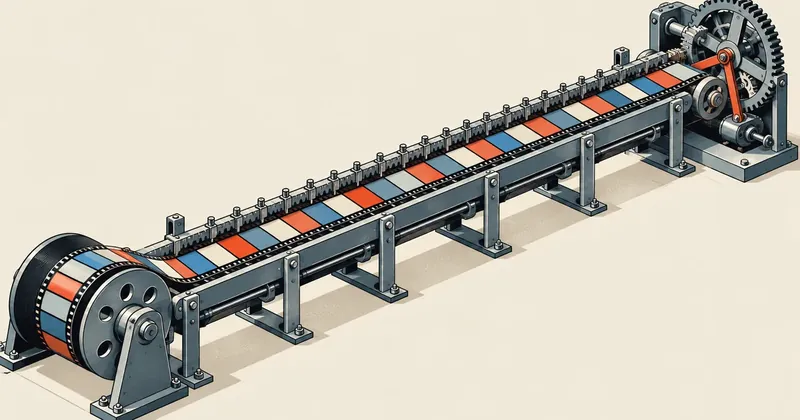
Video gradually drifting away from audio is not caused by the encoder. It comes from rounding each clip's duration and letting the errors accumulate. Rounding cumulative boundaries instead always produces the correct total frame count.
1-minute summary
- Symptom / problem
- Joining 33 clips at 30 fps makes the picture drift slowly out of sync with the audio
- Who should read
- People assembling videos with ffmpeg scripts
- Fix in short
- Round cut points to frames before encoding each clip with -frames:v, join with concat copy, mix audio with amix normalize=0, and assert at every step
I needed to assemble a preview video for a sample song, 192.800 seconds long at 30 fps, which is exactly 5,784 frames. It was divided into 33 clips according to an edit plan, with audio mixed from 9 stems laid over it. The intuitive approach is to cut each clip to its decimal duration using -t, then join them. Mathematically, this can accumulate rounding errors: the more clips there are, the further the video can drift from the audio. I put together a new recipe with assertions at every step and wrote it up here.
I am leaving out the source of the footage and the details of the edit plan, focusing only on the numbers and the method. The accumulated error figures used for comparison in this article come from a simulation to illustrate the explanation, not measurements from the actual job.
The problem: rounding each clip's duration accumulates error
Suppose an edit plan has boundaries at 0, 1.016, 2.032 and 3.048 seconds at 30 fps. Each clip is 1.016 x 30 = 30.48 frames long. Rounding each clip's duration gives 30 frames per clip, or 90 frames across three clips. But the actual time of 3.048 seconds is 91.44 frames, which rounds to 91 frames. One frame is already missing by the third clip, and the remaining clips keep building on that shifted position.
I simulated how large the error could get with a short script: randomly place 32 boundaries within 192.8 seconds, round each clip's duration at 30 fps, then compare the total against 5,784 frames. Repeat 20,000 times.
import random, statistics as st

random.seed(1)
FPS, TOTAL = 30, 5784
drift = []
for _ in range(20000):
    cuts = sorted(random.uniform(0, 192.8) for _ in range(32))
    edges = [0.0] + cuts + [192.8]
    naive = sum(round((edges[i + 1] - edges[i]) * FPS) for i in range(33))
    drift.append(naive - TOTAL)

print('sd', round(st.pstdev(drift), 2), 'max', max(abs(d) for d in drift))
My run produced a standard deviation of about 1.67 frames and a maximum absolute error of 6 frames across all simulation runs. This agrees with the hand calculation of sqrt(33) x 0.29, which gives about 1.7 frames, or roughly 56 milliseconds. A listener can notice this much error if the visuals follow drum hits directly. That does not yet account for ffmpeg's default movie timescale rounding the container duration again (covered in the article on timescale).
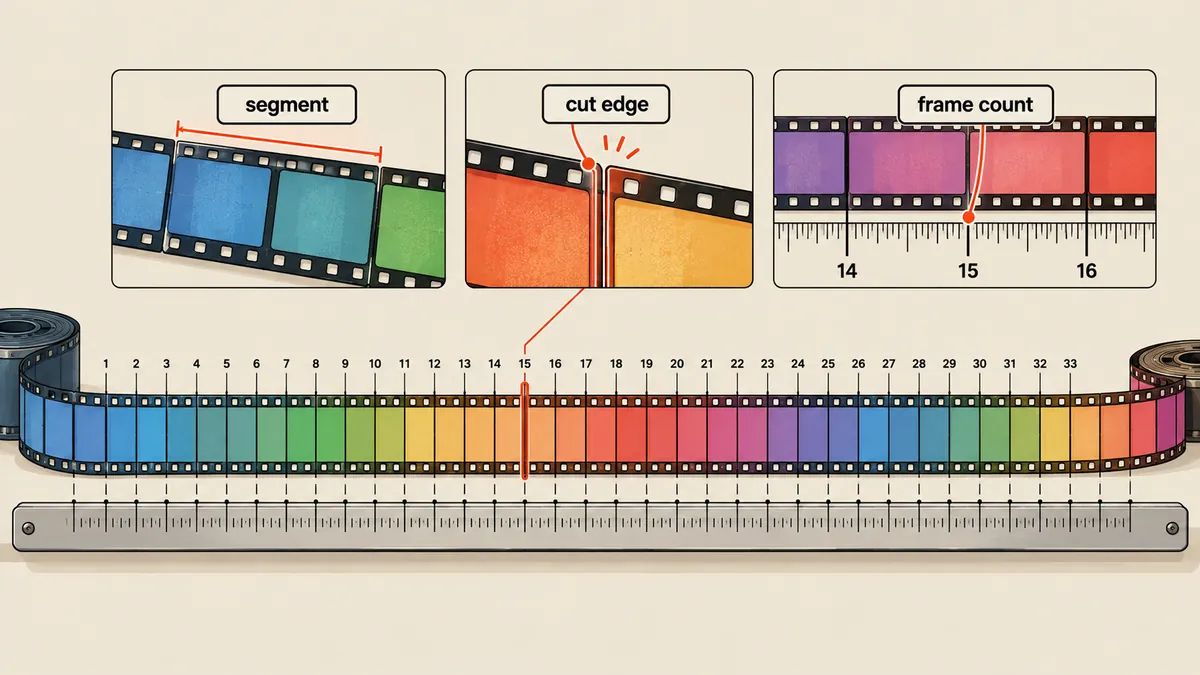
The cumulative boundary rounding formula
The principle is to round the "boundaries," not the "durations." First convert every boundary in the edit plan into a frame number. Each clip's duration is then the difference between two adjacent boundaries.
from fractions import Fraction

FPS = 30
DURATION = Fraction(1928, 10)            # 192.8 วินาที
TOTAL = round(DURATION * FPS)            # 5784

def plan_frames(cuts):
    """cuts = [{'start': Fraction, 'end': Fraction, 'in': Fraction}, ...]"""
    out = []
    for c in cuts:
        fs, fe = round(c['start'] * FPS), round(c['end'] * FPS)
        out.append({**c, 'fs': fs, 'fe': fe, 'count': fe - fs,
                    # ขยับจุดเริ่มในไฟล์ต้นทางให้ตรงกับเฟรมที่ปัดแล้ว
                    'src_in': c['in'] + Fraction(fs, FPS) - c['start']})
    for a, b in zip(out, out[1:]):
        assert a['fe'] == b['fs'], 'ขอบท่อนต่อกันไม่สนิท'
    assert out[0]['fs'] == 0
    assert sum(p['count'] for p in out) == TOTAL == out[-1]['fe']
    assert all(p['src_in'] >= 0 for p in out), 'จุดเริ่มต้นทางติดลบ'
    return out
I made two deliberate choices here. First, I use Fraction rather than float so decimal representation errors cannot shift a boundary that should fall exactly halfway between frames, and it is necessary to know that Python's round rounds ties to the even number. Second, src_in compensates for rounding a boundary to a whole frame: the position where reading starts in the source file must shift by the same amount to keep the footage aligned with its original timing, rather than reading from the original position and shifting the entire clip.
Random accumulated error
Each clip can be off by no more than half a frame, but across 33 clips nothing pulls the total back into line. The result could be 5,781 or 5,787 frames, requiring an audio shift afterward to correct it.
A fixed total by construction
One clip's error is always compensated for by the next. The total equals round(duration x fps) every time, and an assertion catches any noncontiguous boundaries immediately.
Encode each clip with -frames:v
I specify each clip's duration as a frame count instead of using -t. The source footage for this job is 1280x720, upscaled to 1920x1080 with Lanczos, which only resizes it without adding any detail. I discard all source audio with -an because the actual audio comes from a separate mix file.
ffmpeg -ss "$SRC_IN" -i src.mp4 -an \
  -vf "setpts=PTS-STARTPTS,scale=1920:1080:flags=lanczos,setsar=1,fps=30,tpad=stop_mode=clone:stop_duration=0.10" \
  -frames:v "$COUNT" \
  -c:v h264_nvenc -preset p5 -cq 18 -b:v 0 -pix_fmt yuv420p \
  -colorspace bt709 -color_trc bt709 -color_primaries bt709 \
  -video_track_timescale 30000 -movie_timescale 30000 part.mp4
tpad clones the last frame for another 0.1 seconds in case the source file is a frame shorter than expected. Then -frames:v cuts it down to exactly the required count. I check each clip as soon as it finishes.
| Assertion | Criterion |
|---|---|
| nb_frames | Equals COUNT |
| duration | Difference from COUNT/30 is less than 1e-6 |
| start_time | Absolute value is less than 1e-6 |
Clips whose files already exist and pass verification are skipped, and the script writes progress.json after each clip, so an interrupted render can resume. I tried the same recipe with 4 test clips (31, 59, 45, 83 frames). Every clip had the correct nb_frames, start_time was 0, and duration_ts was 31000, 59000, 45000 and 83000 at a time_base of 1/30000: one frame equals 1000 ticks, as expected.
- Convert every boundary in the edit plan to a cumulative frame number using Fraction, then assert that the boundaries are contiguous and the total equals 5,784.
- Encode each clip with -frames:v using the calculated frame count, without -t.
- Check nb_frames, duration and start_time for every clip before proceeding.
- Join them with the concat demuxer using stream copy, then add the mixed audio.
- Assert that the final file has 5,784 frames, with video duration error no greater than 1e-6 seconds and audio duration error no greater than 25 milliseconds.
Join with the concat demuxer using stream copy
Every clip is encoded with the same parameters (dimensions, pixel format, timescale 30000), so I can join them with the concat demuxer using -c copy without re-encoding. The list file contains one file 'path' per line, and I add the mixed audio at the same time.
ffmpeg -f concat -safe 0 -i list.txt -i mix.wav \
  -map 0:v:0 -map 1:a:0 \
  -c:v copy -c:a aac -b:a 320k -ar 48000 \
  -t 192.8 -movflags +faststart -movie_timescale 30000 out.mp4
I tested this on the four test clips above and got exactly 218 video frames (31 + 59 + 45 + 83), a time_base of 1/30000, and an mvhd timescale of 30000 as requested. This is the intended result of the movie timescale setting discussed in the companion article.
One thing to account for in the final step is that AAC audio comes in blocks of 1,024 samples, around 21.3 milliseconds at 48 kHz. The audio track duration therefore does not line up with 192.8 seconds as exactly as the video does. I use separate assertions: the video must be within 1e-6 seconds, while the audio can be within 25 milliseconds, slightly more than one AAC block.
The 25 ms tolerance applies only to audio because AAC is cut into blocks. Applying this tolerance to video as well would hide a missing frame (33.3 ms), which is exactly the error this assertion is intended to catch.
Mix 9 audio stems without changing their relative levels
The audio comes from 9 WAV stems at 48 kHz. I combine them with amix, but I need to set normalize=0 because amix divides the level by the number of inputs by default. That makes the mix quieter and different from what I heard in the preview.
ffmpeg $(printf -- '-i %s ' stems/*.wav) \
  -filter_complex "amix=inputs=9:duration=longest:dropout_transition=0:normalize=0,volume=0.885369738339" \
  -c:a pcm_s24le mix.wav
The value 0.885369738339 is calculated from min(1, 0.95 / peak), where the peak of the unnormalized sum of all stems is 1.073. Without attenuation, it would exceed 0 dBFS and clip. A single master gain brings the peak down to 0.95 without changing the balance between stems. I write the result as pcm_s24le before encoding it to AAC to avoid two rounds of compression.
The amix normalize option requires a recent version of ffmpeg. I checked that my installation accepts it by running it with two test sine files. Anyone using an older version should check their version before using it.
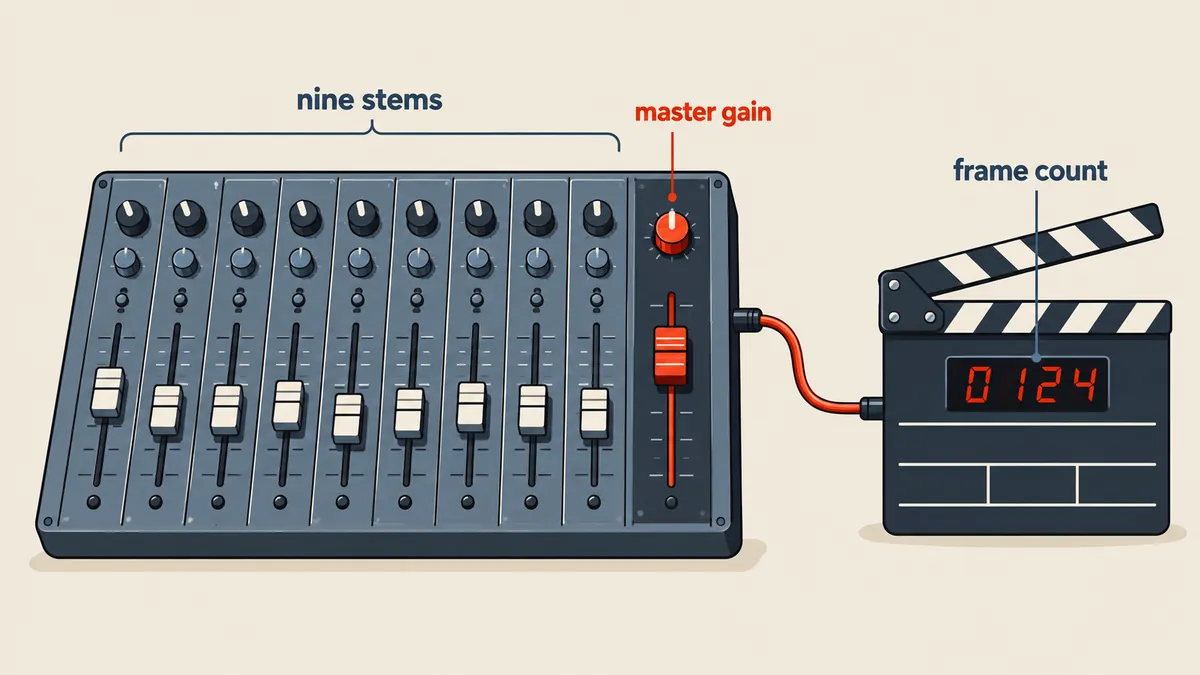
The final result and what I still do not know
The final file contains H.264 from NVENC and AAC 320 kbps 48 kHz stereo, with a size of 220,142,411 bytes. That works out to a total bitrate of about 9.1 Mbps (about 8.8 Mbps for the video alone). ffprobe reports the following values for the final file.
{
  "time_base": "1/30000",
  "duration_ts": 5784000,
  "nb_frames": "5784",
  "start_time": "0.000000"
}
5,784,000 divided by 30,000 is exactly 192.8 seconds, and 5,784,000 divided by 1,000 ticks per frame gives 5,784 frames. The two figures agree without any rounding.
What I have not yet done is read the maximum boundary rounding error for the actual job, which the script recorded in the render-job file. I can therefore only say that it is no more than half a frame, or 16.7 milliseconds, by the definition of boundary rounding. And because I kept assertions at every step, the script will stop at the first clip that falls outside the limits. If I have left anything out of the explanation, or the results differ with another ffmpeg version, I will come back and update it later.
Hit something like this? Stuck somewhere?
Come trade notes on the LinuxThai board



Comments 0
No comments yet — be the first