AI
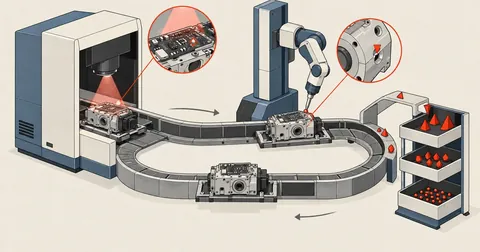
Cross-Model Audits of AI-Written Code — Process, Not Faith
After using AI to port a calculator from a 35-sheet engineering spreadsheet, how do I know it is correct? This article covers three independent audit rounds by an agent from another provider, the rules to set before starting, confidence levels that keep claims within the evidence, and the classes of errors AI kept making in every round.
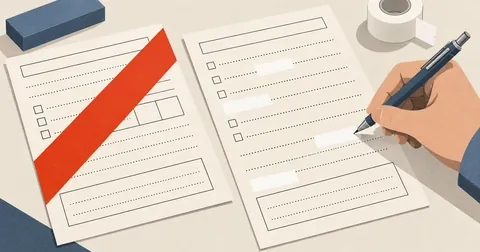
Scripting Government PDF Forms and Making Safer ID Copies
Government PDFs distributed as fillable forms often cannot actually handle Thai text. Subdivided fields let digits run over the borders, and tone marks collide with vowels above the line. This article covers listing field names first, filling the fields and flattening them into page content, drawing Thai text with a font that includes all the vowel marks, and making actual-size ID copies with purpose-specific watermarks.

Reverse Engineering Spreadsheet Constants into Formulas
A sheet has a criteria table sitting beside the calculations, but no VLOOKUP connects them. People read the table and type values into cells themselves, and mistakes go unnoticed. This article covers separating formula cells from manually entered cells, then reconstructing a single formula that matches all 16 values in a multiplier column.

Speed Up Screen Recordings While Keeping the Original Clock
How to make a timelapse from a screen recording by speeding up idle sections more than active sections, using split, trim, and setpts, then joining them with concat. The main trap is that drawtext must come before setpts for the clock to follow the original timeline instead of the accelerated one.
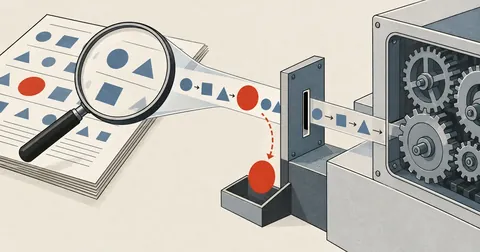
Let AI Read Documents, but Let Code Do the Math
The controller requires manually entered values to fall between 0 and 100, but the path where AI reads values from documents and feeds them in only checks whether they are numeric. A single negative value inflated the result to 5.25 times what it should have been without an error — a lesson in treating AI output as untrusted input, just like values entered by people.
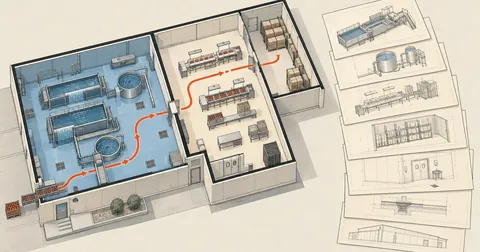
Food Factory Drawings: Sheets, Scales, and Paper Sizes
A food factory application drawing set has 7 items, each with its own scale range, and some numbers to work out before drawing—how wide a plan will fit on A4 or A3 at 1 to 100, and how to split it across sheets without changing the scale if it will not fit.
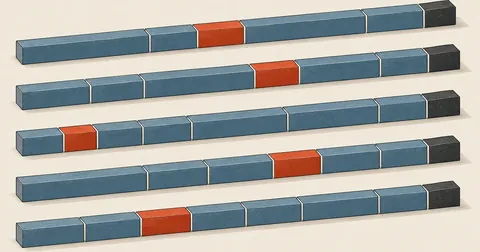
From Model to 6-Meter Steel Cutting Layout and Workshop Cut Sheet
Read part lengths from the model, consolidate duplicates, then arrange a first-fit decreasing cutting layout on standard 6-meter stock with a 3-millimeter saw kerf allowance, plus a notch-and-bend option for right-angle corners that reduces joints from 12 to 6
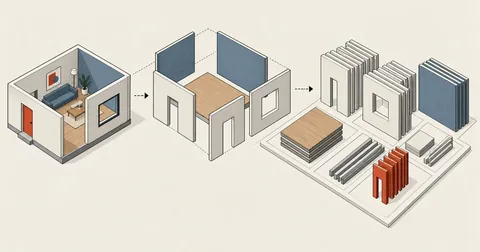
Quantity Takeoff from SketchUp Models with Ruby Scripts
A finished model already contains every number a quantity takeoff needs. Give groups readable names from the start, then write a script to grep through them, with two traps to watch for that can double your areas.
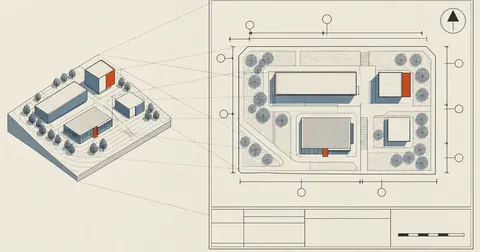
SketchUp Drawing Sheets with Automatic Labels and Dimensions
A finished model is not ready for submission yet. What the authorities accept is a set of paper sheets with building numbers, dimension lines, a north arrow, and a scale. This article covers extracting geometry from the model as numbers, rendering a top ortho view as black lines on white, and letting a script place numbers and dimension lines without overlaps, with overrides for individual items.

Mapping a Building by Phone and Finding True North with GNSS
ARCore gives room-corner coordinates in meters accurately enough to use, but its world frame has an unknown orientation, so the resulting plan is always rotated by some angle. The fix is to collect pairs of (AR position, GNSS reading) while working, then fit a rotation using weighted 2D Kabsch, with weights based on each fix's accuracy, to find both north and the origin's coordinates.

Rebuilding an Off-Scale PDF Plan at Real Dimensions
Presentation plans are often drawn block by block, with different scales for the x and y axes and different scales again for each room. Calibrating the whole page once and tracing it gets everything wrong. This article covers extracting coordinates from paper into metres by recalculating the scale for every room, counting objects with colour-blob BFS instead of by eye, and drawing them back into a model at their real dimensions.
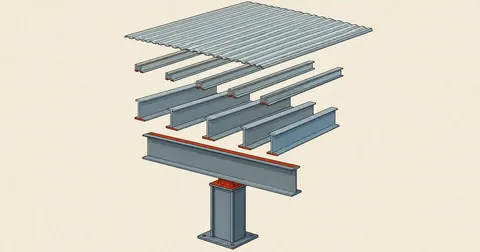
Thai Steel Framing Conventions for Buildable Drawings
A steel frame model that looks good on screen but makes a fabricator shake their head usually gets a few conventions wrong—member order, stock sections, stacking instead of interweaving, purlins that must be open C sections, and bearing edges on sloping beams that cause steel to intersect when chosen incorrectly.
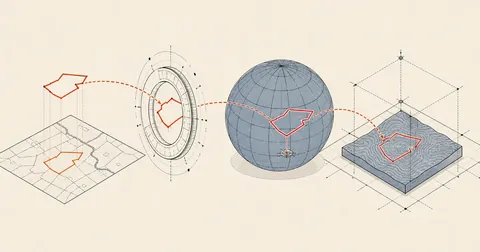
Import Land Parcel Boundaries from Government Maps into SketchUp
A SketchUp model with Add Location has satellite imagery but no parcel boundaries. This article covers fetching boundaries through OGC-standard WFS, where viewparams is required to avoid getting zero features, converting UTM47 coordinates to WGS84, and placing them in the model with latlong_to_point to line up with the imagery.
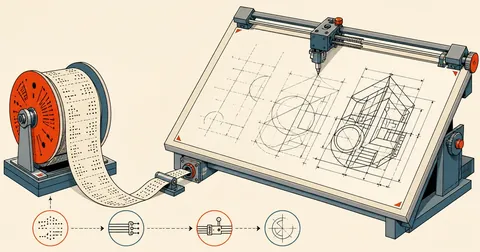
Driving AutoCAD from PowerShell via COM — Scripted Drafting
AutoCAD exposes COM for scripting just like Excel. Connect to the running instance with New-Object, then draw lines, circles, text, and 3D boxes, create layers, add dimensions, and save files entirely from PowerShell, with four traps I hit myself and learned never to repeat.
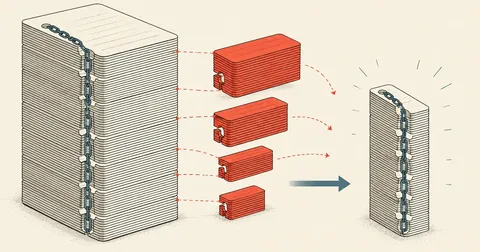
Repairing a Claude Code Session .jsonl File Too Large to Open at 38 MB
A single session stretched over 8 days grew to 38.61 MB / 11,537 records until the UI could no longer open its history. I wrote a Python script to process it line by line, trimming only the parts that were already unreadable to humans, bringing it down to 17.41 MB while preserving all 8,171 message uuid values in their original order, with no orphans.
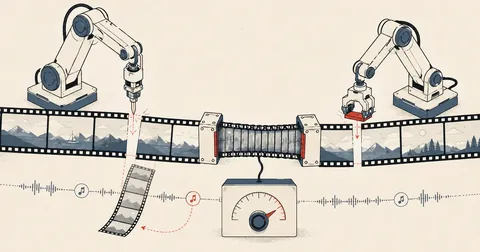
Edit Videos with Claude Using Thai Prompts, No Video Editor Needed
How I actually use Claude in VS Code to trim, resize, join, and add background music to videos by typing in Thai, without memorizing ffmpeg commands or opening a video editor. Includes getting AI to compose music, NVIDIA GPU acceleration, and Mac and Linux instructions for people who have never used Claude.

Managing Linux Servers Safely with AI over SSH
How I actually use Claude to audit and fix Linux server security over SSH, from preparing my machine and storing secrets to hard rules before touching production
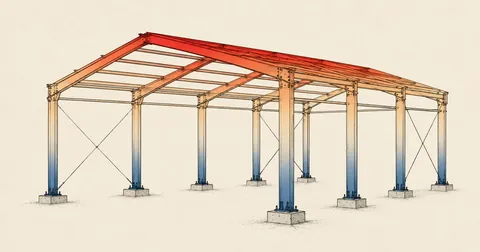
Claude Builds a Steel Shed in SketchUp, Then Runs FEA and a Heatmap
In the final part of the series, I ask Claude to build an entire mono-slope steel shed in SketchUp, layer by layer from concrete columns to roof tiles, then analyze its strength with PyNite and apply a heatmap based on the actual forces.
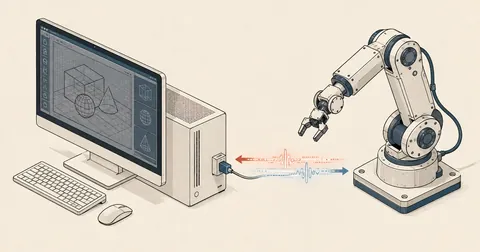
Driving SketchUp with Claude Code, Part 2 — MCP Plugin Bug Fixes
Let Claude Code actually "see" and "drive" SketchUp through a community MCP plugin, with fixes for 2 time-wasting bugs — a broken PyPI wheel and a UI freeze caused by a blocking socket
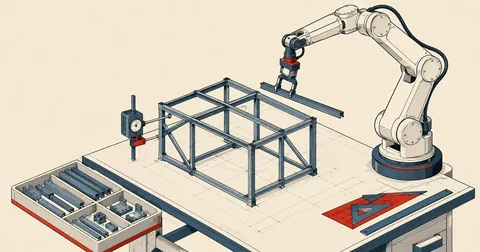
Driving SketchUp with Claude Code, Part 1 — uv and PyNite Setup
Start a series on using Claude Code to draw 3D steel structures in SketchUp and run FEA calculations. This first part covers setup only, configuring Claude permissions, installing uv, and creating a conda env with PyNite.

OpenClaw vs. VSCode + AI Agent: Which Should You Use?
Comparing two approaches that turn AI from a chatbot into an assistant that gets work done — a chat-app gateway like OpenClaw and an editor-based setup like VSCode + AI Agent, covering workflows, token costs, and security basics for beginners.

Build a Desktop AI Server with WSL2 + Ollama + OpenClaw
A record of building a home AI server from scratch, starting with Windows 11 IoT, installing WSL2 + Ubuntu, setting up Ollama to run LLMs on two GPUs, then adding multiple OpenClaw instances through systemd, covering drivers, custom Modelfiles, user isolation, and benchmarks