Chatbot Saved add as a LINE ID: Validate Before Writing to CRM

Data a chatbot collects from real conversations always looks credible, until someone opens a customer record and sees that their LINE ID is the word add.
1-minute summary
- Symptom / problem
- A chatbot saved the word add as a customer LINE ID because of a loose regex and a server that trusted every value.
- Who should read
- Anyone whose chatbot writes names, phones or IDs into a CRM.
- Fix in short
- Validate every field on the server before writing, with a stop list, a no-overwrite rule and an idempotent cleanup script that dumps data first.
I was checking customer records that a chatbot on a client's website had written to the database itself because I suspected the bot was collecting incorrect values. When I opened the LINE ID field in one record, its value was add, even though the customer had only typed "line add ไปแล้ว" in the conversation, meaning they had already added the account as a friend, not that they were giving their ID.
I traced it through several layers and found that this did not come from a single bug. The system let a regex and a model write directly to the database, and the server trusted everything the bot sent. This article explains how I fixed it. I removed all customer names, case IDs, and personal information from the real conversations. The remaining examples are fictional.
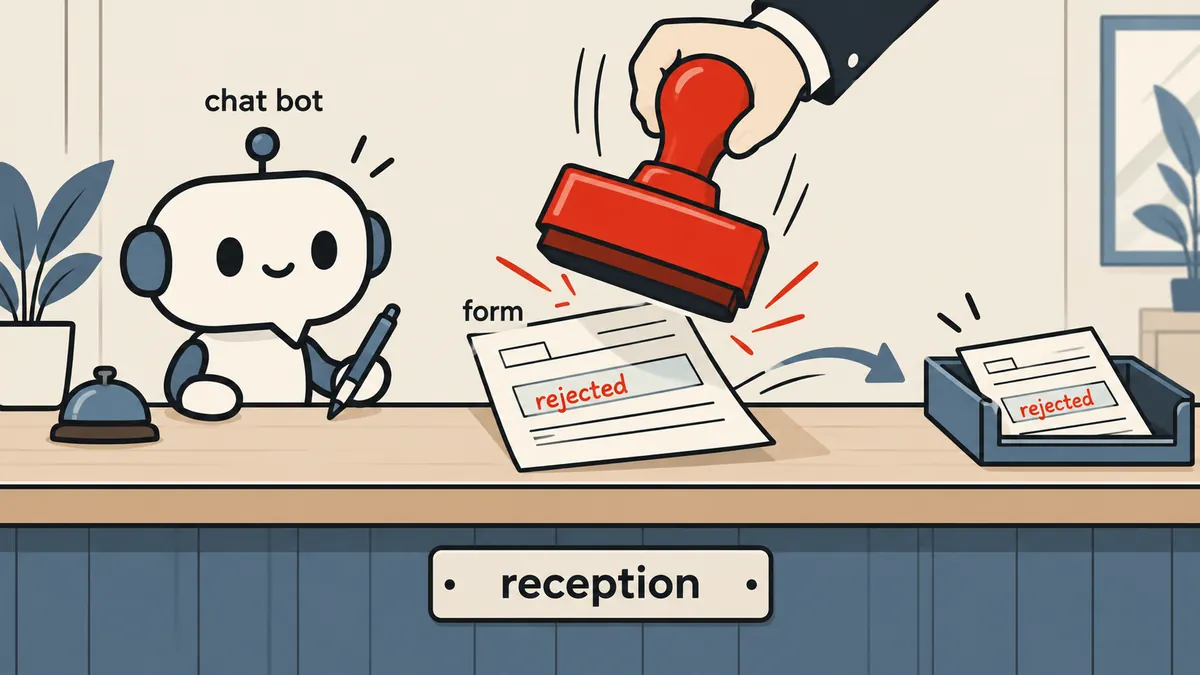
The damage: small, but painful
I reviewed the entire set of records and wrote an audit report. The result was that only one customer actually had incorrect data saved. I want to keep the scale accurate because articles like this tend to make problems sound larger than they are. Very little data was damaged, but it caused a lot of frustration because customer records are what staff open before calling someone back. Even one incorrect contact field immediately reduces trust in the whole system.
The failure patterns I found
The audit report showed that almost all the errors followed the same patterns.
- A loose regex took the word after line as the ID. For example, "line add ไปแล้ว" became the LINE ID
add. - It took the word after "ชื่อ" as the customer's name. For example, when a customer typed "ชื่อไลน์ Xxxx", the bot used "ไลน์" as the name.
- The model put an entire sentence in the ID field.
- The server treated anything that was not an email address or phone number as a LINE ID and overwrote the existing contact data, 3 times in total.
- The customer's request details were lost because the customer record had not been created when the data arrived, leaving nowhere to store them.
The fourth item was the actual root cause. The first three were just fuel. Even if the bot sent an incorrect value, a server with proper validation could reject it. But a server that trusted everything let every incorrect value reach the database.
One principle: the server does not trust the client
I based this work on one principle: whether the client sending a value is a browser, a mobile app, or a chatbot using a language model, the server must always validate that value itself before writing it. My separate article on AI reading documents follows the same principle (read more at ai-extract-code-validates). That article describes using code to validate what a model extracts. This article covers a model writing directly to the database, where the risk is much higher because an error ends up in a real record.
Text extracted by a model or regex is only a suggestion that a value might be a name or phone number. It is not a fact. It must pass a server-side validator written in ordinary code every time, and if validation fails, it must be reported but not saved, rather than saved first and fixed later.
Per-field validators: ContactNormalizer
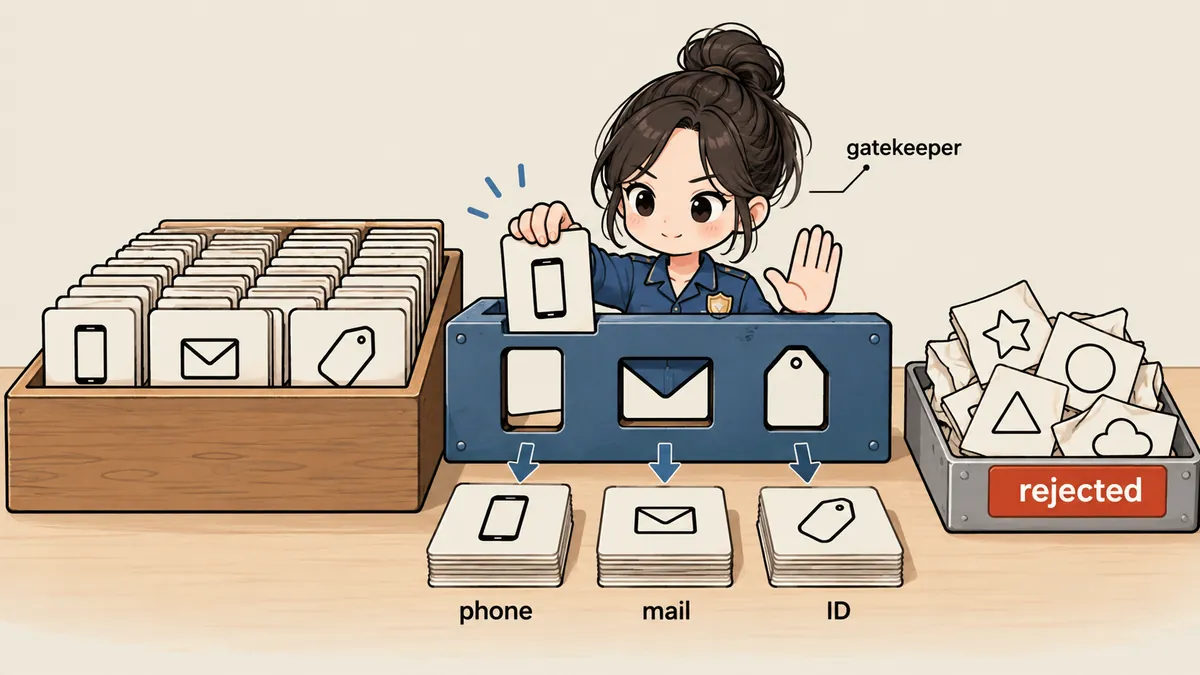
I wrote separate validators for each field: name, phone number, email address, and LINE ID. Each field has its own rules and a stop list of words that must never be accepted as values for that field.
For the name field, the validator does four things: it removes the prefixes "ชื่อ" and "ชื่อเล่น"; strips endings such as ค่ะ คะ ครับ จ้า นะ; rejects values that are empty, exceed 80 characters, or contain digits, an @ sign, a link, or the characters : and /; and rejects values whose first word names a contact channel (ไลน์ เบอร์ โทร อีเมล), or whose entire value is on the list of words that are not names (greetings, standalone polite endings, and words such as admin unknown null none). One example that previously failed was "ชื่อไลน์ Xxxx", which used to become the name "ไลน์". It is now rejected because the first word names a contact channel.
The LINE ID field is stricter. The value must not be on the stop list and must "look like an ID", not a sentence. This field's stop list includes words such as add, added, id, line, lineid, me, my, ok, sticker, official, already, done, chat, name, no, none, yes, and our own official account ID. I had to include our own ID because customers often type our account name back to us in a message ("add ไลน์ xxx แล้วนะ"). Without that check, our ID would end up in the customer's record.
The code below is a fictional example to illustrate the idea (I am not going into the actual LINE ID format). It is not the full code running in production.
<?php
final class ContactNormalizer
{
    private const LINE_STOP = [
        'add', 'added', 'id', 'line', 'lineid', 'me', 'my', 'ok', 'sticker',
        'official', 'already', 'done', 'chat', 'name', 'no', 'none', 'yes',
    ];

    public static function line(?string $v, array $ownIds = []): ?string
    {
        $v = trim((string) $v);
        if ($v === '') {
            return null;
        }
        $lower = mb_strtolower($v);
        if (in_array($lower, self::LINE_STOP, true) || in_array($lower, $ownIds, true)) {
            return null;                                  // คำทั่วไป หรือบัญชีของเราเอง
        }
        // ต้องดูเป็นไอดี ไม่ใช่ประโยค: ไม่มีช่องว่าง ความยาวพอเหมาะ
        return preg_match('/^@?[A-Za-z0-9._-]{4,20}$/', $v) === 1 ? $v : null;
    }
}
Notice that the regex alone easily accepts added and sticker because both words are long enough and contain only letters. Without a stop list, the "looks like an ID" regex is no help at all. The two layers have to work together.
A regex for looking like an ID
- Accepts almost any ordinary English word
- Has no conversation context
- Examples that get through: added, sticker
Two layers of validation
- Common words are blocked before the format check
- Our own account is on the stop list
- New words can be added without changing the regex
I put the remaining validators in the same class: phone() and email() check formats, split() separates contact fields that a customer has combined into a single message, and scrub() removes national ID numbers and other personal document numbers from the text the bot will save, because the bot should never store those numbers in the database, even if the customer types them voluntarily. Another function reads dates customers type in messages and supports both Buddhist Era and Common Era years because Thai customers do not all use the same year system.
Write rules: no overwriting, and rejected values go in the event text
Validators alone are not enough. There also need to be rules for writing data. I put two rules in the data receiver, which I will call ContactCapture.
- If a field in the record already has a value, do not overwrite it. Passing validation does not give a new value permission to replace the existing one.
- If a value fails validation, do not save it in the field. Instead, list the rejected value in the record's event text. Staff following up can see what the bot encountered and chose not to save.
<?php
// กฎเขียน: ตรวจก่อน, ไม่ทับของที่มี, ค่าที่ไม่ผ่านไปอยู่ในข้อความเหตุการณ์
function capture(Customer $c, array $raw, array $ownIds): array
{
    $clean = [
        'name'    => ContactNormalizer::name($raw['name'] ?? null),
        'phone'   => ContactNormalizer::phone($raw['phone'] ?? null),
        'email'   => ContactNormalizer::email($raw['email'] ?? null),
        'line_id' => ContactNormalizer::line($raw['line_id'] ?? null, $ownIds),
    ];
    $rejected = [];

    foreach ($clean as $field => $value) {
        if ($value === null) {
            if (!empty($raw[$field])) {
                $rejected[] = "$field=" . mb_substr((string) $raw[$field], 0, 40);
            }
            continue;                                    // ไม่ผ่าน = ไม่เก็บ
        }
        if (!empty($c->$field)) {
            continue;                                    // มีอยู่แล้ว = ไม่ทับ
        }
        $c->$field = $value;
    }

    if ($rejected) {
        $c->appendEvent('บอทเห็นแต่ไม่เก็บ: ' . implode(', ', $rejected));
    }
    $c->save();
    return $rejected;
}
The "no overwriting" rule looks simple, but it eliminates all the damage of the kind that happened three times at the start. Even if a validator makes a mistake and accepts an incorrect value, that value can only enter an empty field. Existing data that was correct is not destroyed. That is why I see this rule as a second safety net more than a business rule. If an existing field is already wrong, someone has to correct it manually, rather than letting the next message overwrite it at random.
Missing request details: keep them before the record exists
The fifth item was a separate problem. When the data arrived, the customer record had not yet been created, so the bot had nowhere to store the request details. That information simply disappeared. I fixed it by having ContactCapture keep the request details in temporary storage, then attach them once the record was created. As a result, even if a customer provides information before the system knows who they are, that information is not lost.
Repairing existing data: idempotent, and always dump first
The damaged data needed repairing. I wrote an idempotent repair script, meaning that no matter how many times it runs, the final result is the same, and the second run onward must report 0 changes. If the second run still changes anything, the script's conditions are not yet stable.
# ก่อนแก้ข้อมูลเก่า dump เต็มก่อนเสมอ
umask 077
mysqldump --single-transaction appdb | gzip > /var/backups/pre-fix-$(date +%Y%m%d-%H%M%S).sql.gz
<?php
// fix_crm.php: ซ่อมข้อมูลเก่าโดยใช้ตัวตรวจตัวเดียวกับที่ใช้ตอนเขียน
// ค่าเริ่มต้นเป็น dry-run ต้องใส่ --apply ถึงจะเขียนจริง
$apply = in_array('--apply', $argv, true);
$changes = 0;

foreach (Customer::cursor() as $c) {
    $fixed = ContactNormalizer::line($c->line_id, $ownIds);
    if ($c->line_id !== null && $fixed === null) {           // ค่าเดิมไม่ผ่านตัวตรวจ
        echo "[CHANGE] #{$c->id} line_id: " . json_encode($c->line_id) . " -> NULL\n";
        $changes++;
        if ($apply) {
            $c->line_id = null;
            $c->appendEvent('เคลียร์ LINE ID ที่ไม่ใช่ไอดี: ' . mb_substr($c->getOriginal('line_id'), 0, 40));
            $c->save();
        }
    }
    // ทำแบบเดียวกันกับ name / phone / email
}
echo "[" . ($apply ? 'APPLIED' : 'DRY-RUN') . "] changes=$changes\n";
On the actual run, the script reported 23 changes. After it finished, I ran it again. It had to return changes=0 before I could consider it stable, because that number proves the script uses the same criteria as the validators and the first run handled everything.
- Take a full database dump first and keep it in a folder readable only by the system owner.
- Run the script in dry-run mode and visually inspect the proposed changes line by line.
- Run it in apply mode and record the number of changes (23 on that run).
- Run it again. The result must be 0; otherwise, stop and find which condition is still unstable.
- The old values that were cleared are stored in the record's event text for later review.
Tests that replay conversations that previously failed
Bugs like this recur easily without tests to catch them, so I added tests in WebChatTest that replay the conversations that previously caused errors, then check that no fields were written. I used fictional names and messages throughout and never put real conversations into the tests. At the time of writing, all 118 tests in the suite passed.
<?php
// เทสต์ replay: บทสนทนาที่เคยทำให้ LINE ID กลายเป็น "add" (ข้อความสมมติ)
public function test_line_add_phrase_does_not_become_line_id(): void
{
    $customer = Customer::factory()->create(['line_id' => 'real.id99']);

    $this->postChat($customer, [
        'ลูกค้า: ได้ line add ไปแล้วนะคะ',
        'ลูกค้า: ชื่อไลน์ Somchai ค่ะ',
    ]);

    $customer->refresh();
    $this->assertSame('real.id99', $customer->line_id);   // ไม่ถูกทับ
    $this->assertNotSame('ไลน์', $customer->name);        // คำช่องทางไม่ใช่ชื่อ
    $this->assertStringContainsString('บอทเห็นแต่ไม่เก็บ', $customer->events_text);
}
Every time I find a new kind of conversation that causes the bot to fail, I immediately add a test for it. The validators gradually improve based on conversations that actually caused failures, which is better than guessing what customers will type.
What I carry forward
If I had to put it into a list, these are the five rules I follow.
- Do not let a model or regex write directly to the database. Have the server validate the values.
- Values that fail validation must be reported but not saved, with a trace kept for people to review.
- Do not overwrite what is already there.
- Every repair of existing data must be idempotent, and always take a dump first.
- Write tests that replay conversations that previously failed.
Another article I recommend reading is reimport-locked-fields-overrides-last, which covers a similar idea on the data import side: fields that people have edited should not be overwritten by a machine. Personally, I think the "no overwriting" rule belongs anywhere a machine writes data that people will use afterward. Anyone who wants to add other rules, such as asking the customer to confirm before changing a contact field, is welcome to do so. If I have missed an explanation or made a typo, I will come back and fix it later.
Want us to set this up?
Get help with server setup, configuration, migration, or troubleshooting. Save time for the work that matters.
Hit something like this? Stuck somewhere?
Come trade notes on the LinuxThai board



Comments 0
No comments yet — be the first