#Apache
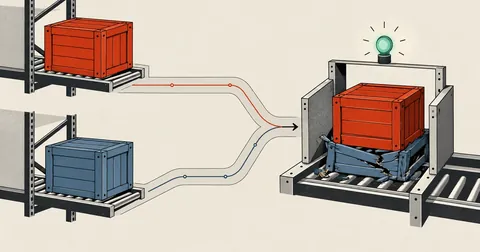
Silent Overwrites on Upload: Three File Copying Traps
Upload two files with the same name together, and the second silently overwrites the first. No error, no failing exit code, and every page still returns 200. The English page just becomes a Thai page. These are three traps that let file copying cause damage without any warning.
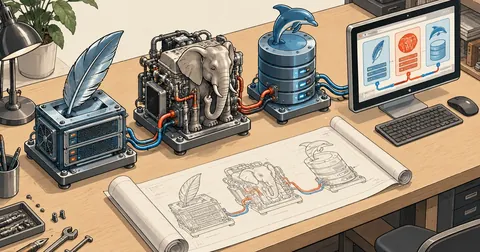
Build APM on Windows: Apache + PHP 8.4 + MariaDB Series Index
A 7-part series on compiling Apache 2.4.69, PHP 8.4.27 and MariaDB 11.8.9 from source on Windows 11, so when PHP releases a security patch, I can change the version number in one file and rebuild within a day. This page covers the contents, overview, time, disk space and three-command shortcut.
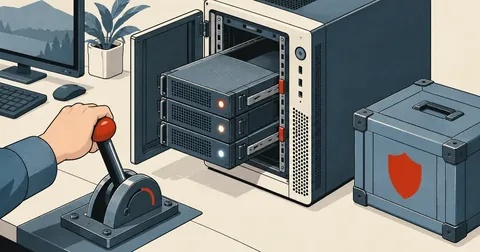
Build APM on Windows, Part 7: Deploy, Run, and Apply Security Patches
The final part of the series on building Apache + PHP + MariaDB on Windows. Install into C:\APM, start and test it for the first time, open it to the LAN safely, walk through six real bugs (PidFile, MariaDB plugins, the DB port, the ASLR 500, paths with spaces and brackets), and cover the procedure for the next security release.
Build APM on Windows Part 6: PHP 8.4 with redis and imagick
Part 6 of the series on building Apache + PHP + MariaDB on Windows from source walks through 30-php.ps1 step by step, from php-sdk and the full configure command to copying DLLs and testing that JIT, redis and imagick actually work.
Build APM on Windows, Part 3: Apache httpd 2.4.69 with CMake
Build APR, APR-util, httpd 2.4.69 and mod_fcgid with CMake and Ninja on Windows. Explain why each option is set, use dumpbin to find the DLLs needed beside httpd.exe, prevent links to debug DLLs, and test the config with httpd -t.
Build APM on Windows, Part 2: Fetch Source and Libs with vcpkg
Steps 1 and 2 of building Apache yourself on Windows. Read 00-fetch.ps1 and 10-deps-vcpkg.ps1 line by line, verify the sha256 of every source archive, then have vcpkg build OpenSSL 3.5 LTS and 8 other libs from source, with commands to check the results at every step.
Build APM on Windows, Part 1: Prepare Tools and Unpack the Build Kit
The first part of a series on building Apache + PHP 8.4 + MariaDB yourself on Windows. Install Visual Studio 2022 Build Tools with the required components, Git, CMake, Ninja and PowerShell 7, configure Defender, unpack the build kit into C:\apm-build, then examine the folders, versions.json and the lib.ps1 and build-all.ps1 scripts line by line.
Two Critical PHP RCE Flaws (php2shell): Patch Today
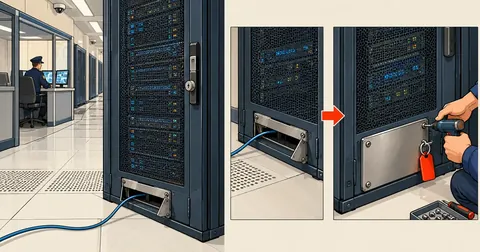
CVE-2026-109618 and CVE-2026-109619 are PHP RCE vulnerabilities with a CVSS score of 9.2 and public exploits already available. They affect every machine using PHP to handle web requests. The patched versions are 8.5.12, 8.4.27, 8.3.36, and 8.2.35. This note covers version checks, updates on Debian, RHEL, DirectAdmin, Docker, and Windows, and temporary settings while waiting for patches.
A 26-Page Bilingual Site: Why .php Broke Every Link
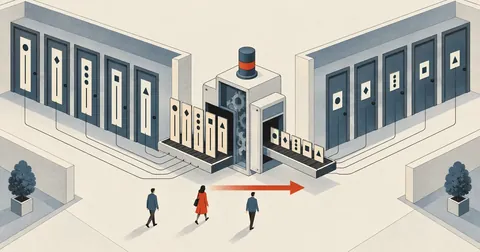
The production page displayed PHP tags as raw text because the web server served .html as static files. Changing all 26 pages to .php broke links across the site. Then, after adding clean URLs, subpages bounced back to .php because the rewrite and 301 setup was only half done. This article includes the full .htaccess, eight cases for $base, and scripts that handle the whole site in one pass.
route:cache Turns Every GET into 405 — The Sub-path Trap
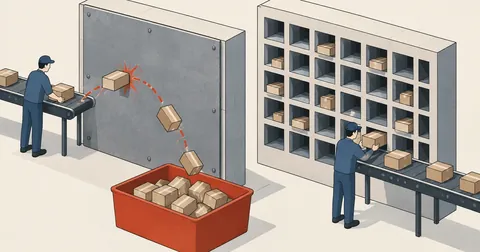
Deployment finished, I ran optimize as the guides suggested, and every page returned 405 Method Not Allowed even though route:list confirmed the routes were correct — a route cache that breaks only on certain servers, how to isolate it in 30 seconds, and three other issues I found while deploying an app under a sub-path.
Static on DirectAdmin: GET Returns 404 but HEAD Returns 200
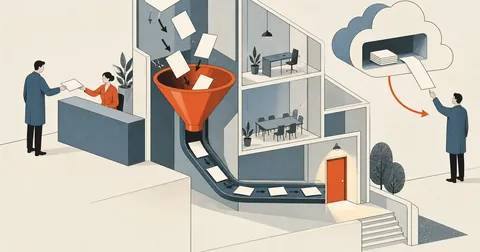
I uploaded a static site to public_html and could not open it. Small files worked, large files returned 404, but HEAD returned 200 for every file. The cause was Laravel's .htaccess at the docroot, funneling everything into the front controller. This article covers the diagnosis and three ways out.
Every File Is Backed Up, but I Still Can't Rebuild the Server
The database dump is complete, the code tar is complete, and all the secrets are there, but put them on a blank machine and the site will not come up, because the things that actually make the server work were never in the backup files. This article lists what disappears with the machine and the recovery sequence I wrote for my future self.