#Beginner
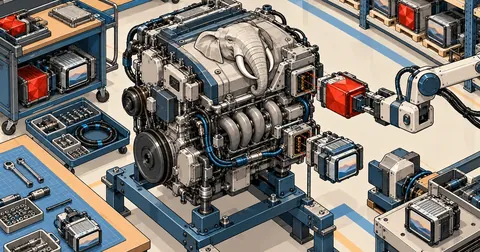
Build APM on Windows Part 6: PHP 8.4 with redis and imagick
Part 6 of the series on building Apache + PHP + MariaDB on Windows from source walks through 30-php.ps1 step by step, from php-sdk and the full configure command to copying DLLs and testing that JIT, redis and imagick actually work.
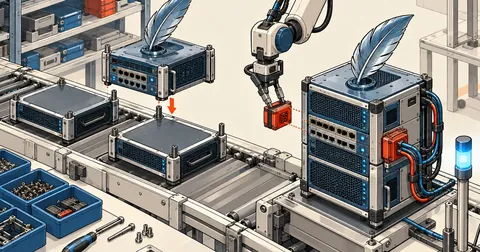
Build APM on Windows, Part 3: Apache httpd 2.4.69 with CMake
Build APR, APR-util, httpd 2.4.69 and mod_fcgid with CMake and Ninja on Windows. Explain why each option is set, use dumpbin to find the DLLs needed beside httpd.exe, prevent links to debug DLLs, and test the config with httpd -t.
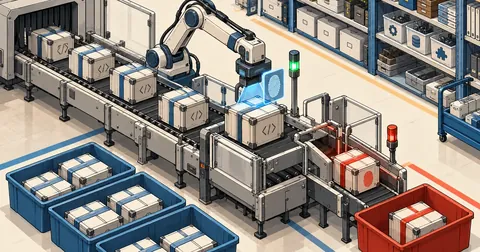
Build APM on Windows, Part 2: Fetch Source and Libs with vcpkg
Steps 1 and 2 of building Apache yourself on Windows. Read 00-fetch.ps1 and 10-deps-vcpkg.ps1 line by line, verify the sha256 of every source archive, then have vcpkg build OpenSSL 3.5 LTS and 8 other libs from source, with commands to check the results at every step.
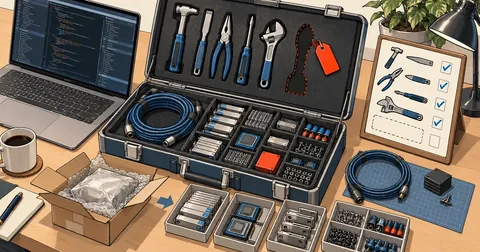
Build APM on Windows, Part 1: Prepare Tools and Unpack the Build Kit
The first part of a series on building Apache + PHP 8.4 + MariaDB yourself on Windows. Install Visual Studio 2022 Build Tools with the required components, Git, CMake, Ninja and PowerShell 7, configure Defender, unpack the build kit into C:\apm-build, then examine the folders, versions.json and the lib.ps1 and build-all.ps1 scripts line by line.
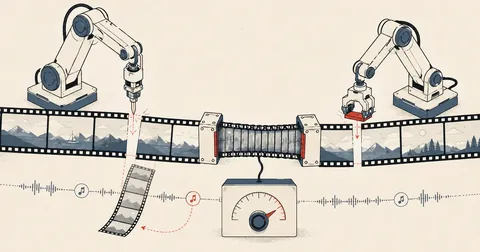
Edit Videos with Claude Using Thai Prompts, No Video Editor Needed
How I actually use Claude in VS Code to trim, resize, join, and add background music to videos by typing in Thai, without memorizing ffmpeg commands or opening a video editor. Includes getting AI to compose music, NVIDIA GPU acceleration, and Mac and Linux instructions for people who have never used Claude.